Spice up your plot

Thomas Lin Pedersen

Key takeaway today:

Data visualizations can have personality and that’s OK

Today

  • Adding effects with ggfx
  • The many weird functions of ggforce
  • Animate your plot with gganimate

ggfx

  • Photoshop for ggplot2 (kinda)
  • Add pixel-level effects to theme elements, layers, or the whole plot
  • Can be both used and abused

Filters

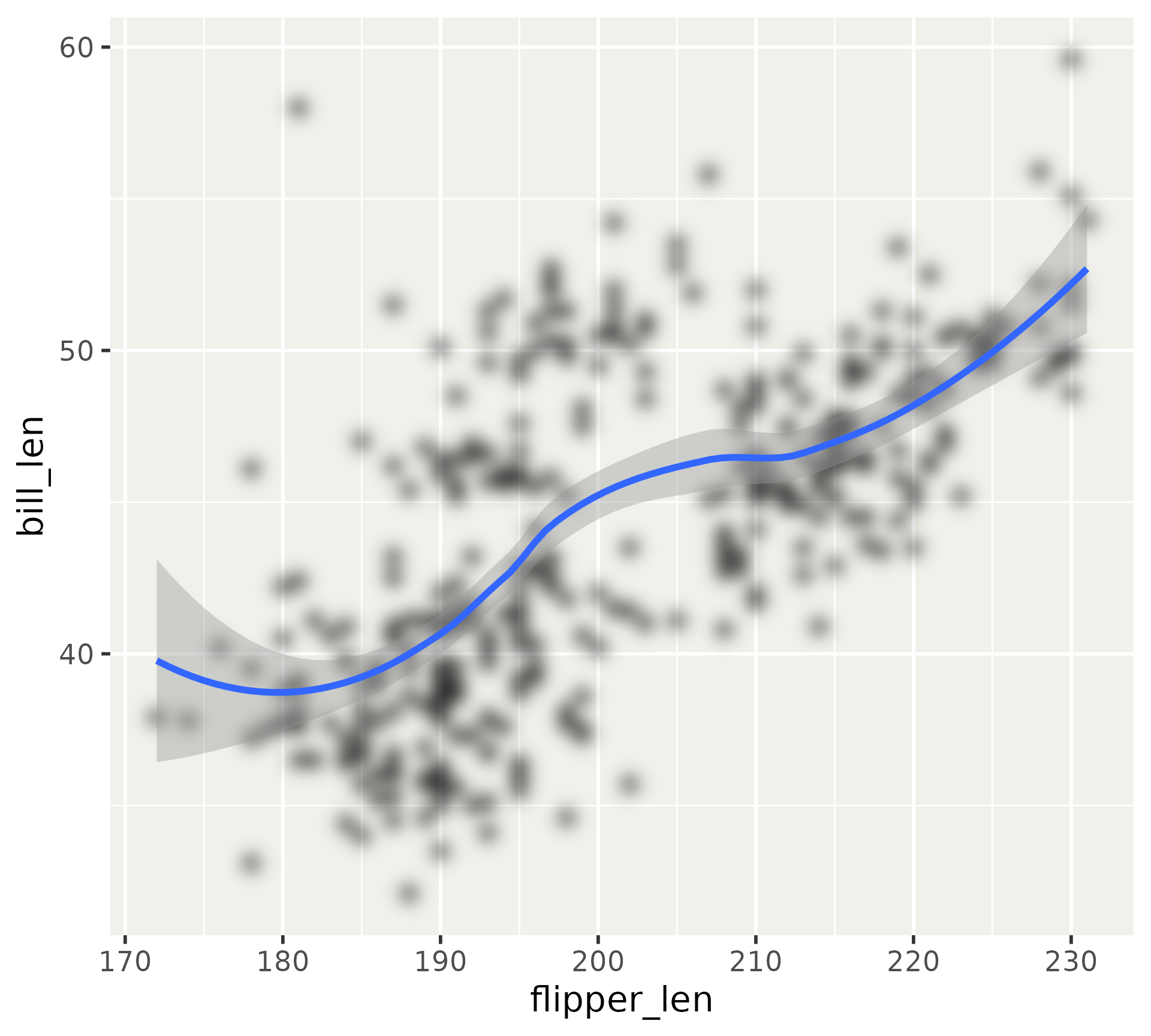
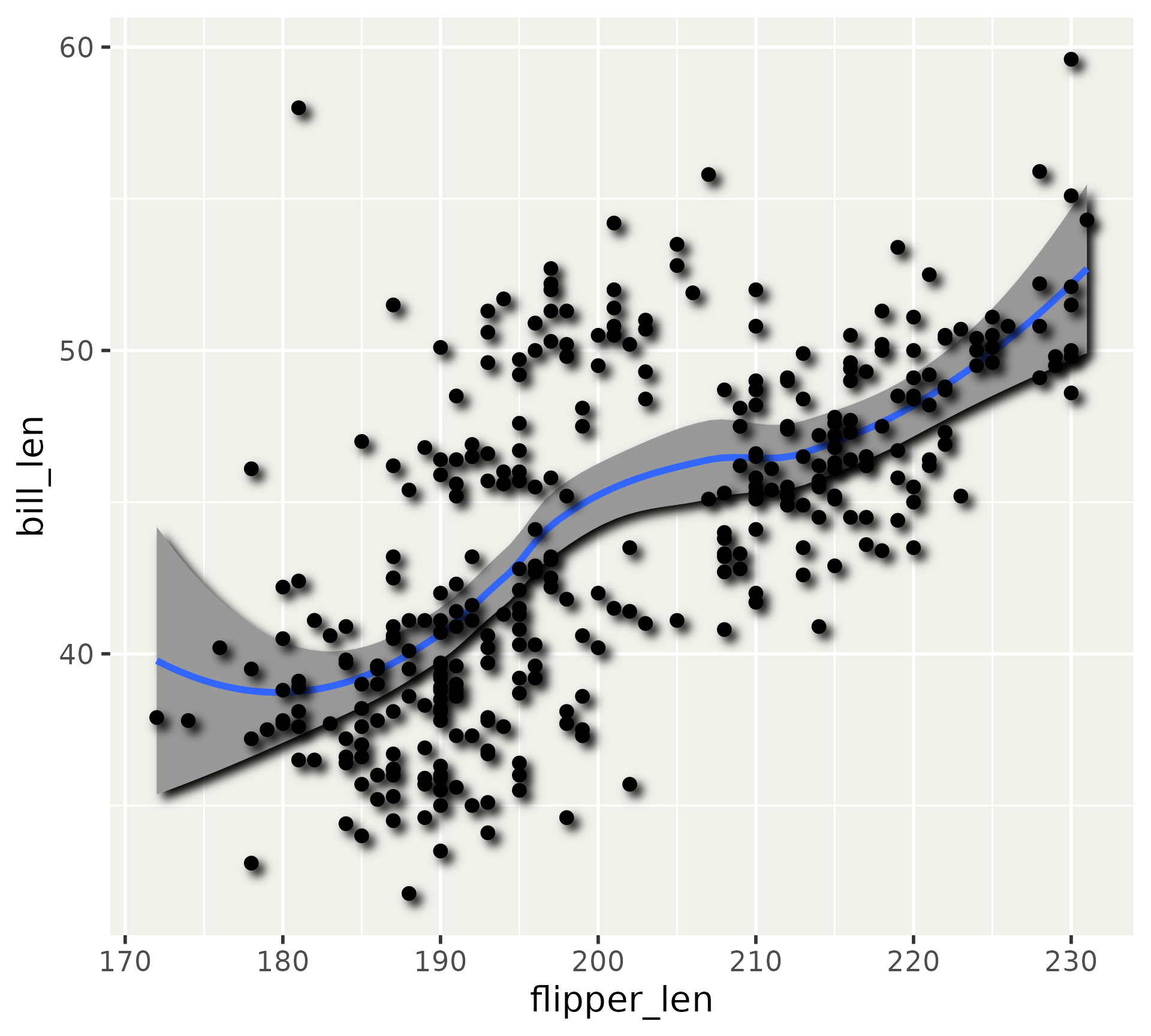
ggplot(
  penguins, 
  aes(x = flipper_len, y = bill_len)
) +
  with_blur(
    geom_point(),
    sigma = unit(1, 'mm')
  ) + 
  geom_smooth()

Filters

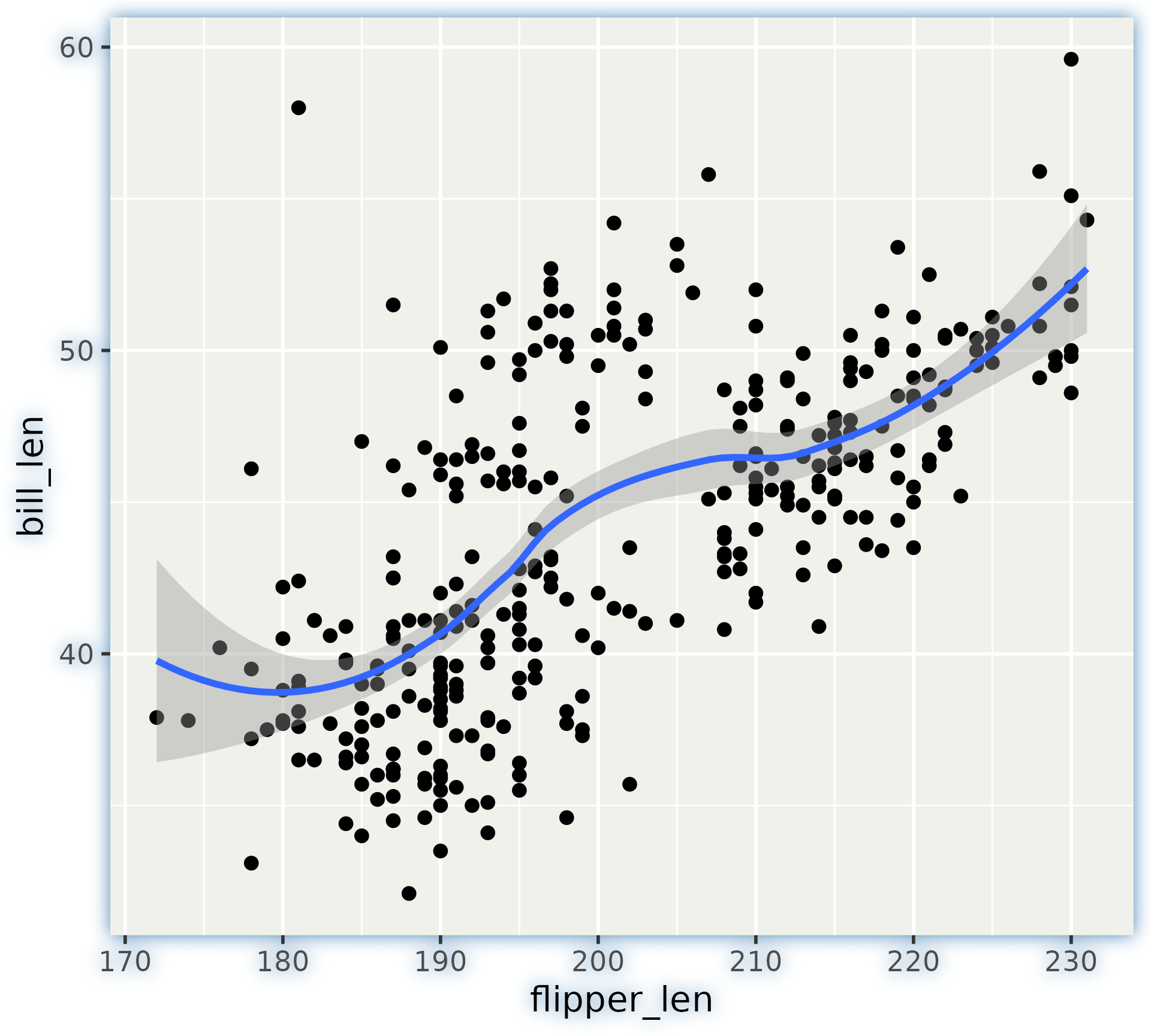
p <- ggplot(
  penguins, 
  aes(x = flipper_len, y = bill_len)
) +
  geom_point() + 
  geom_smooth()

with_outer_glow(
  p, 
  colour = "steelblue", 
  sigma = unit(1, "mm")
)

Filters

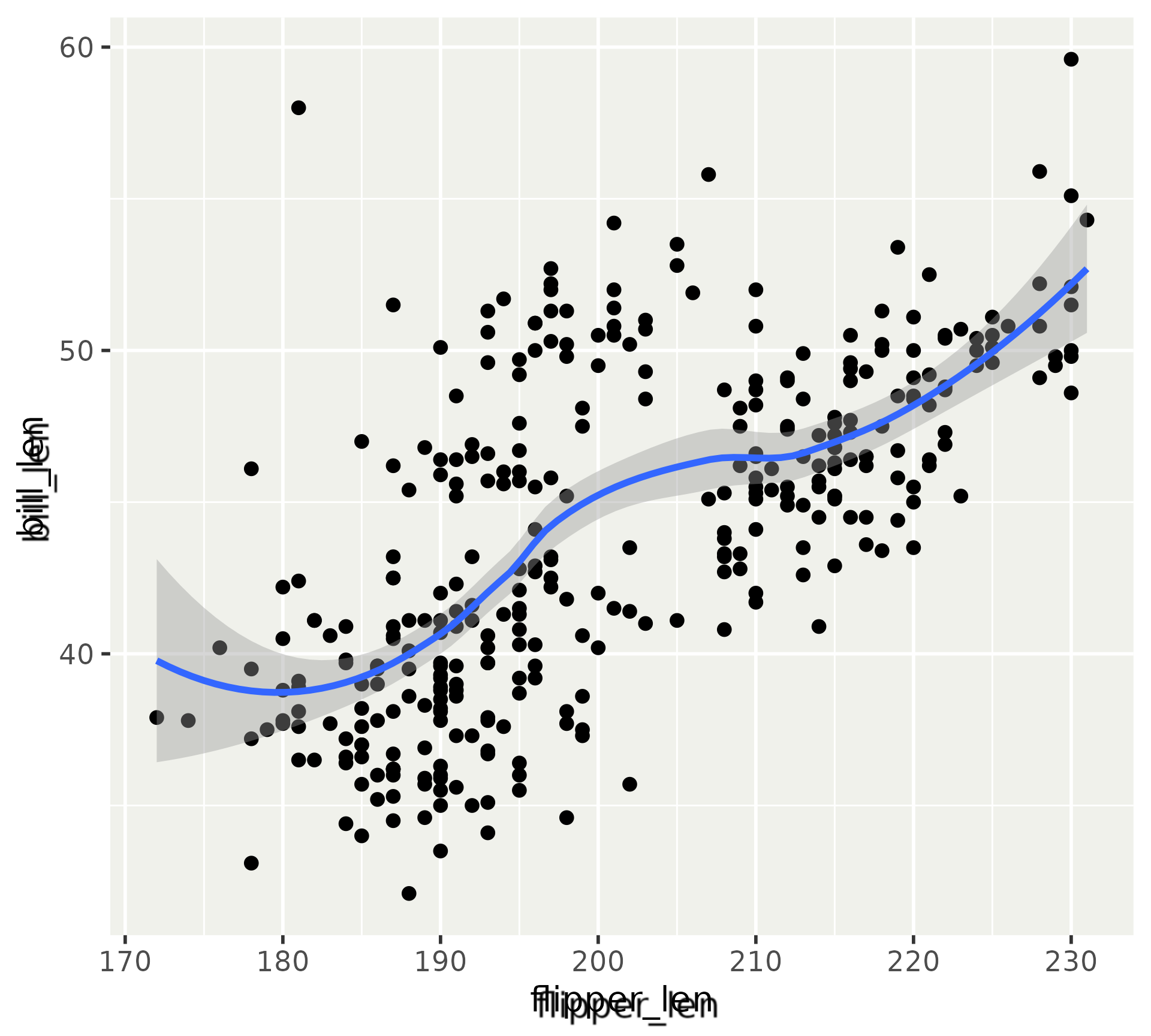
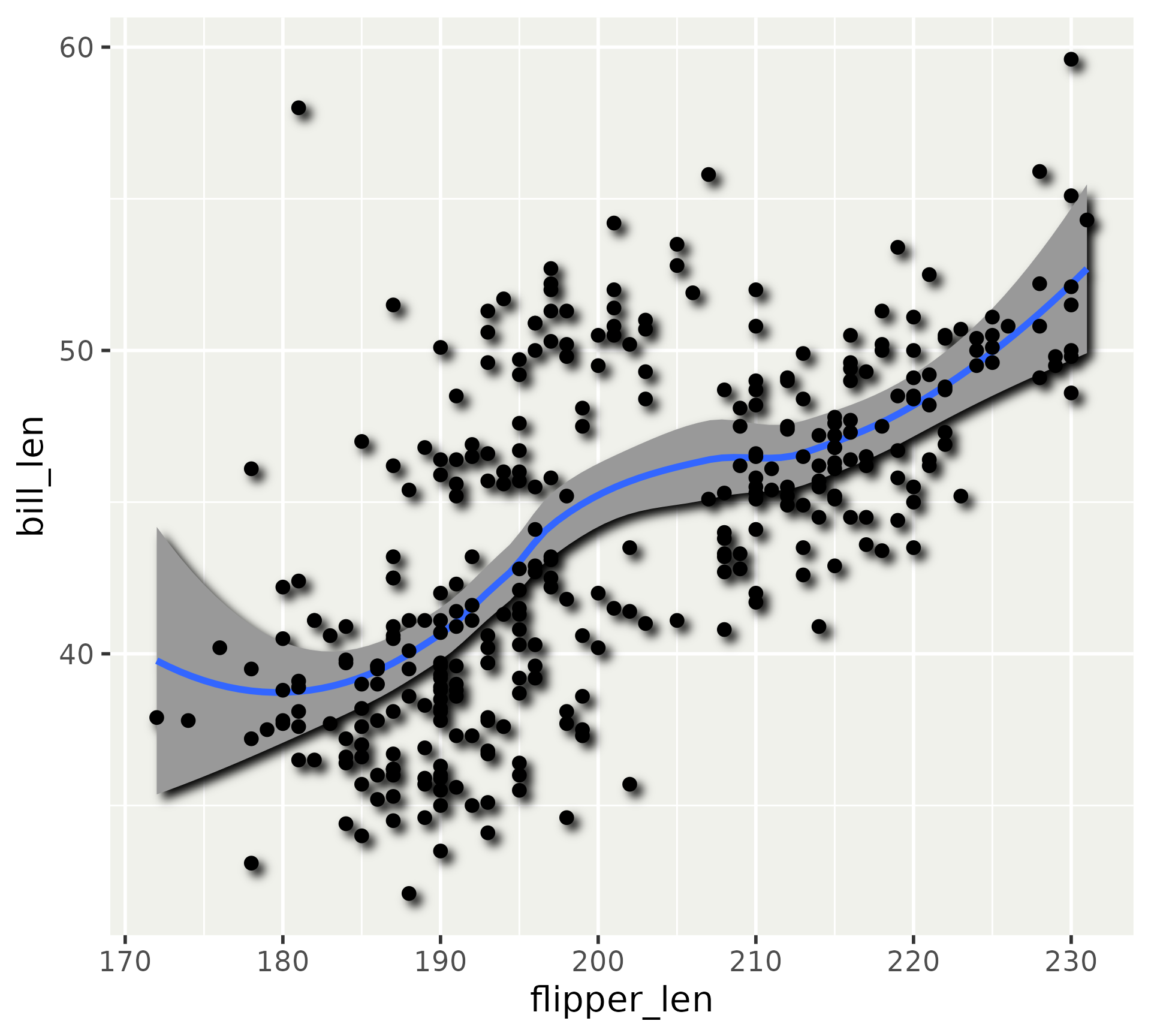
ggplot(
  penguins, 
  aes(x = flipper_len, y = bill_len)
) +
  geom_point() + 
  geom_smooth() + 
  theme(
    axis.title = with_shadow(
      element_text()
    )
  )

References

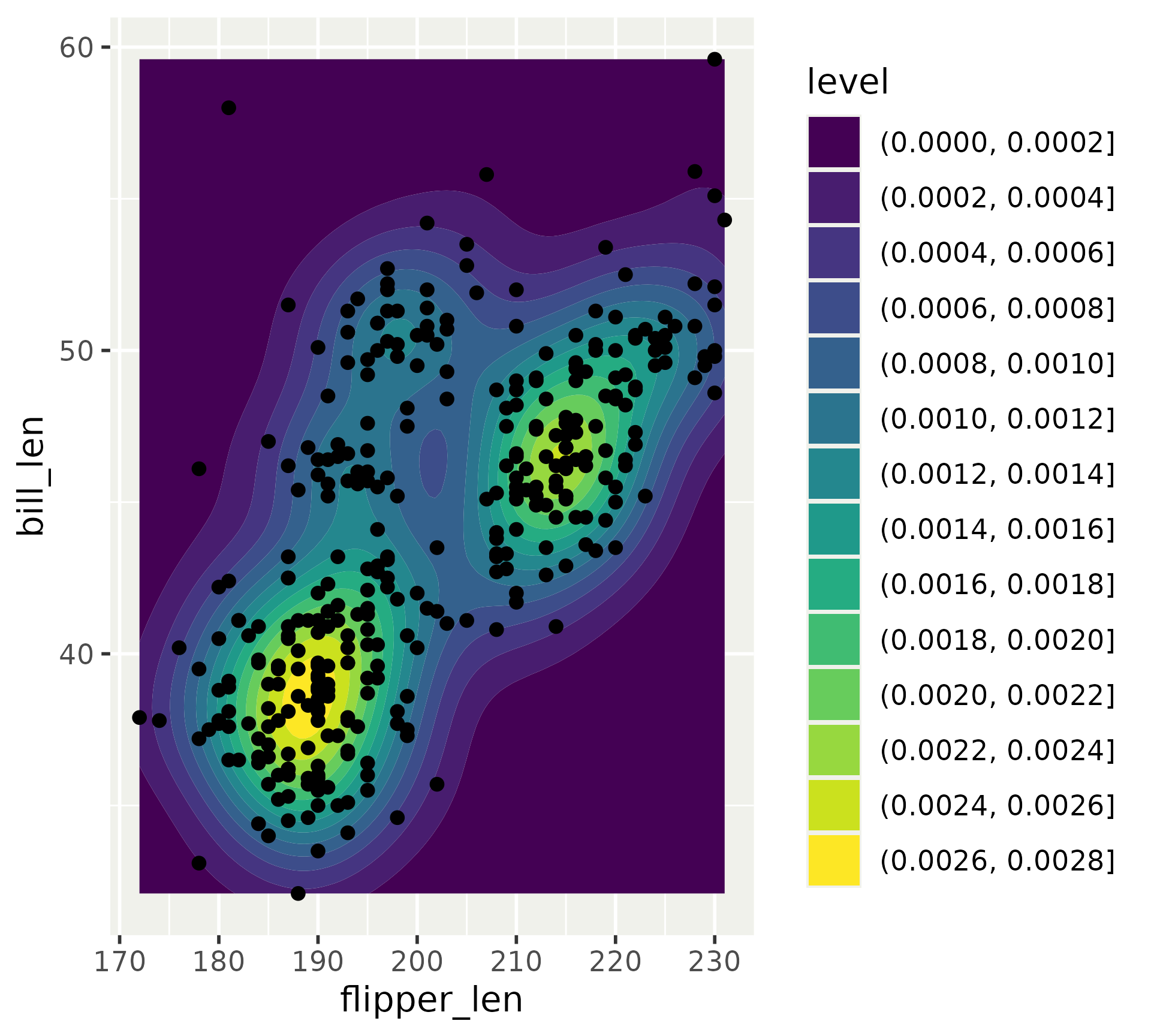
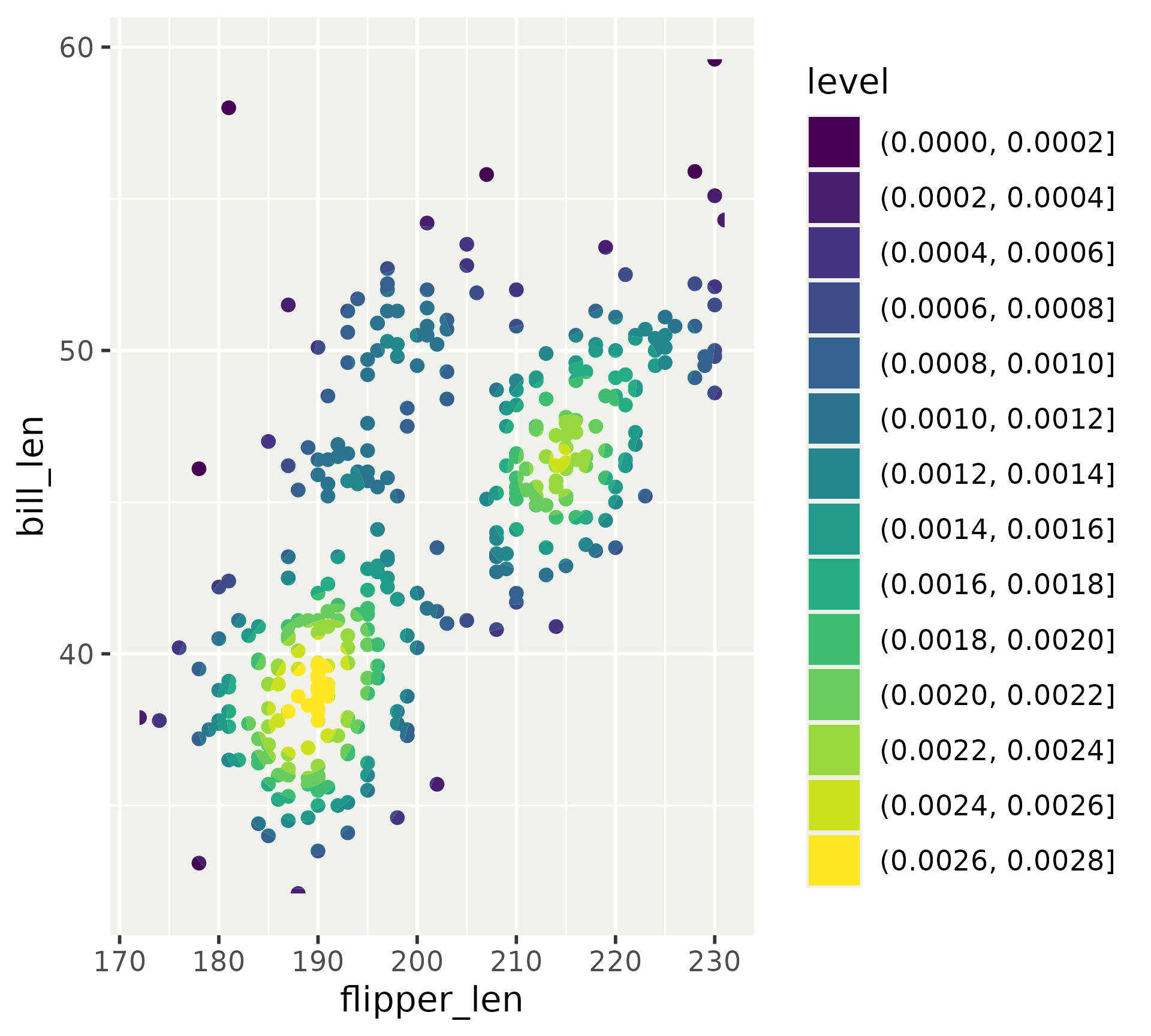
ggplot(
  penguins, 
  aes(x = flipper_len, y = bill_len)
) + 
  geom_density_2d_filled() +
  geom_point()

References

ggplot(
  penguins, 
  aes(x = flipper_len, y = bill_len)
) + 
  as_reference(
    geom_density_2d_filled(), 
    id = "density"
  ) +
  with_blend(
    geom_point(),
    "density",
    blend_type = "in",
    flip_order = TRUE
  )

References

ggplot(
  penguins, 
  aes(x = flipper_len, y = bill_len)
) + 
  with_shadow(
    geom_smooth(alpha = 1, level = 0.99), 
    sigma = unit(0.5, "mm")
  ) +
  with_shadow(
    geom_point(), 
    sigma = unit(0.5, "mm")
  )

References

ggplot(
  penguins, 
  aes(x = flipper_len, y = bill_len)
) + 
  as_group(
    geom_smooth(alpha = 1, level = 0.99),
    geom_point(),
    id = "group_1"
  ) + 
  with_shadow(
    "group_1", 
    sigma = unit(0.5, "mm")
  )

Moar filters

  • Custom blend
  • Bloom
  • Fully custom
  • Displacement
  • Dither
  • Inner glow
  • Interpolate
  • Kernel
  • Mask
  • Motion blur
  • Shading (bump mapping)
  • Variable blur

Exercise 7.1

05:00

ggforce

  • This is my grab-bag package. Expect some chaos
  • Main focus on powerful building blocks
Shapes
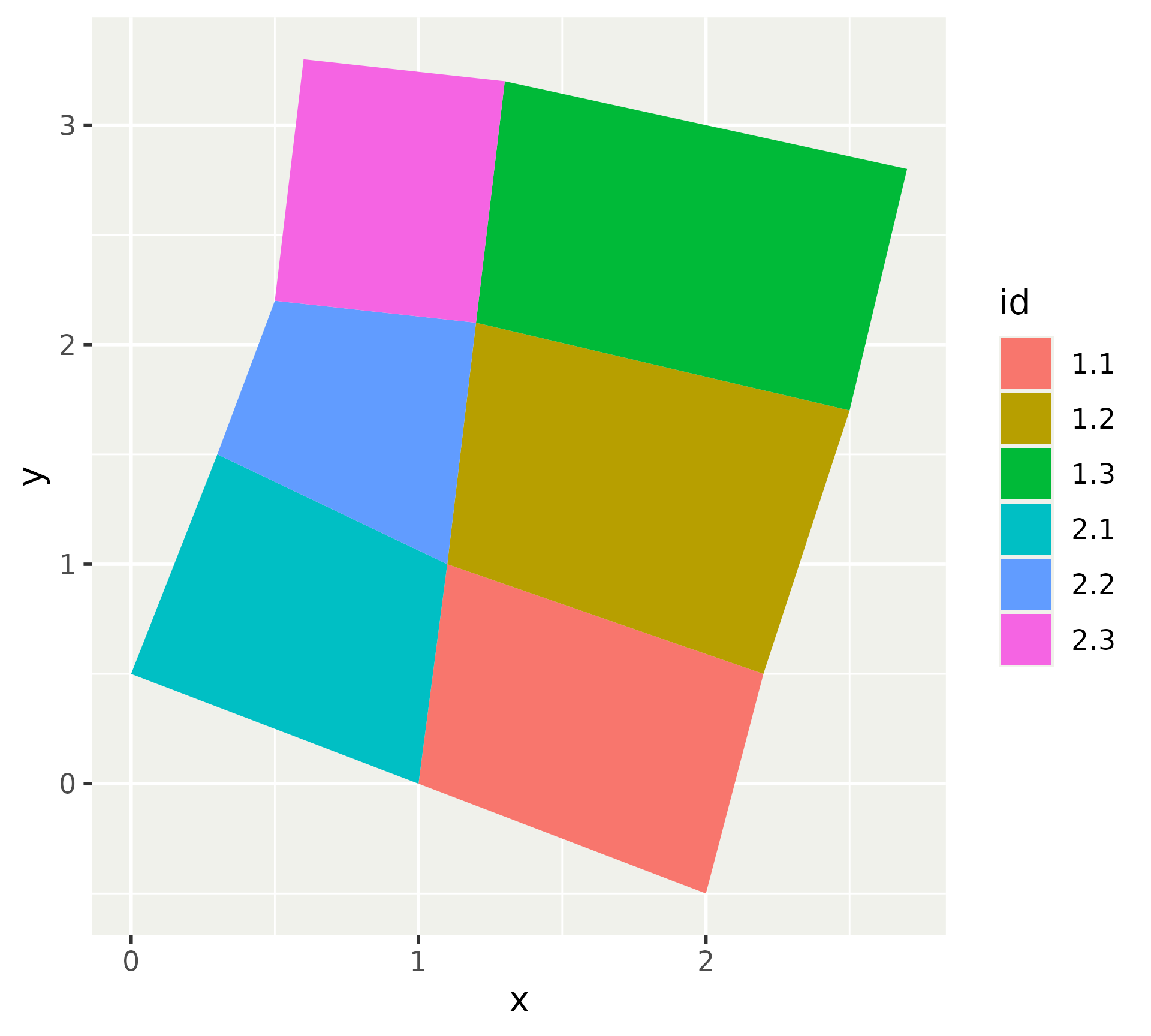
  • Super-charged geom_polygon()
  • Round corners
  • Expand and subtract based on absolute sizes

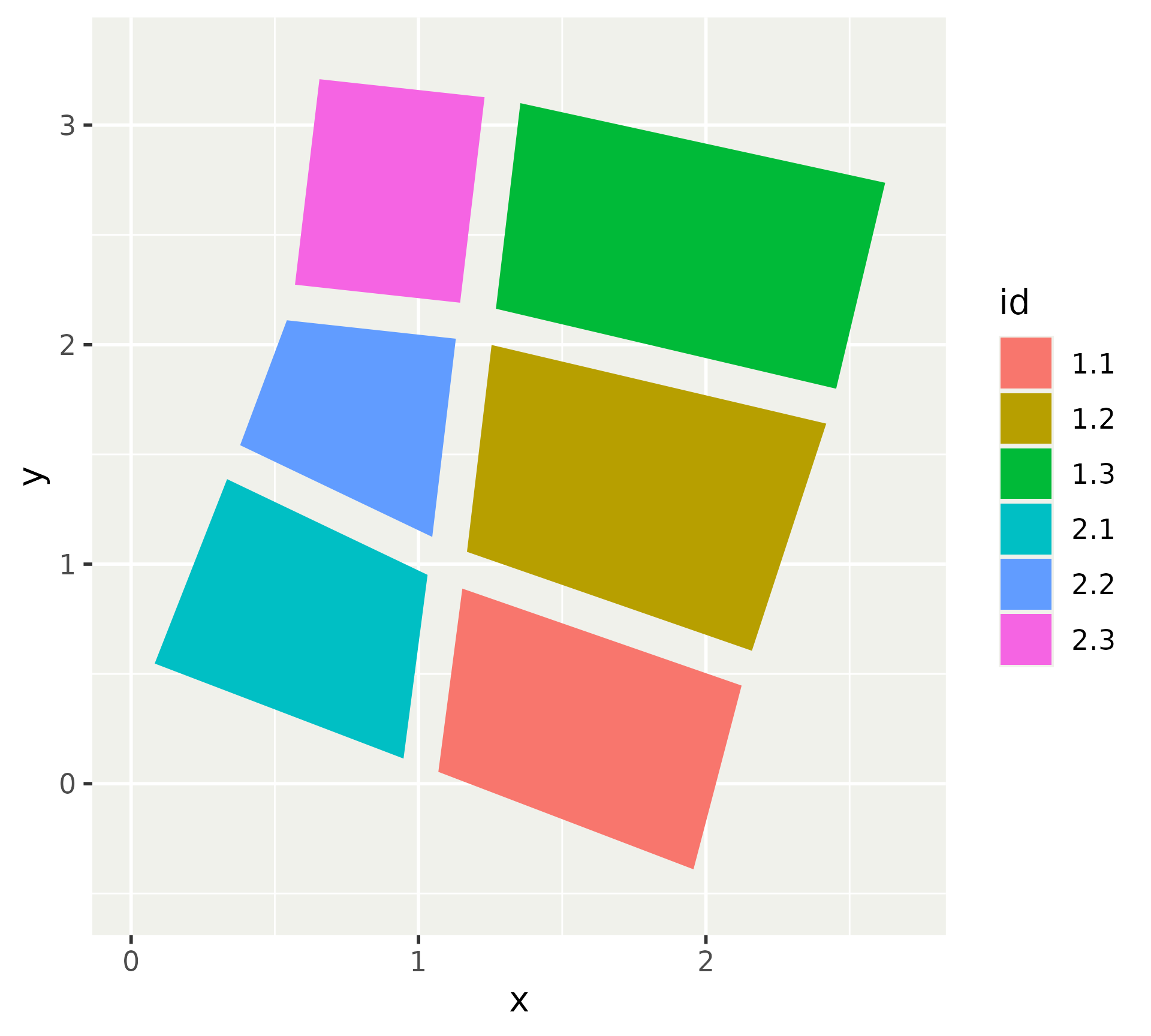
Shapes

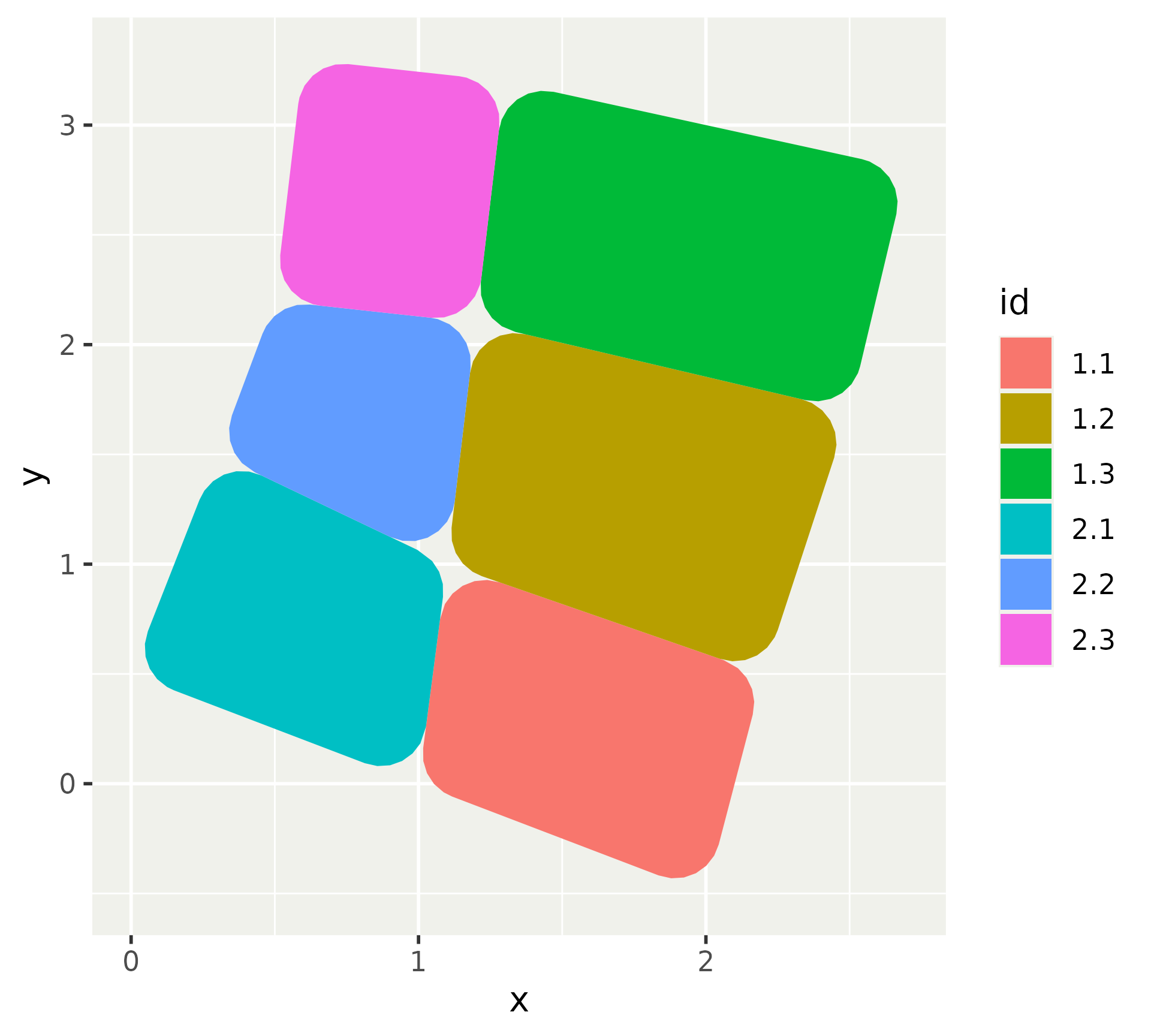
ggplot(
  positions, 
  aes(x = x, y = y, group = id)
) +
  geom_shape(aes(fill = id))

Shapes

ggplot(
  positions, 
  aes(x = x, y = y, group = id)
) +
  geom_shape(
    aes(fill = id), 
    radius = unit(5, "mm")
  )

Shapes

ggplot(
  positions, 
  aes(x = x, y = y, group = id)
) +
  geom_shape(
    aes(fill = id), 
    expand = -unit(2, "mm")
  )

Marks

  • The reason geom_shape() exist
  • High-level annotation in plots
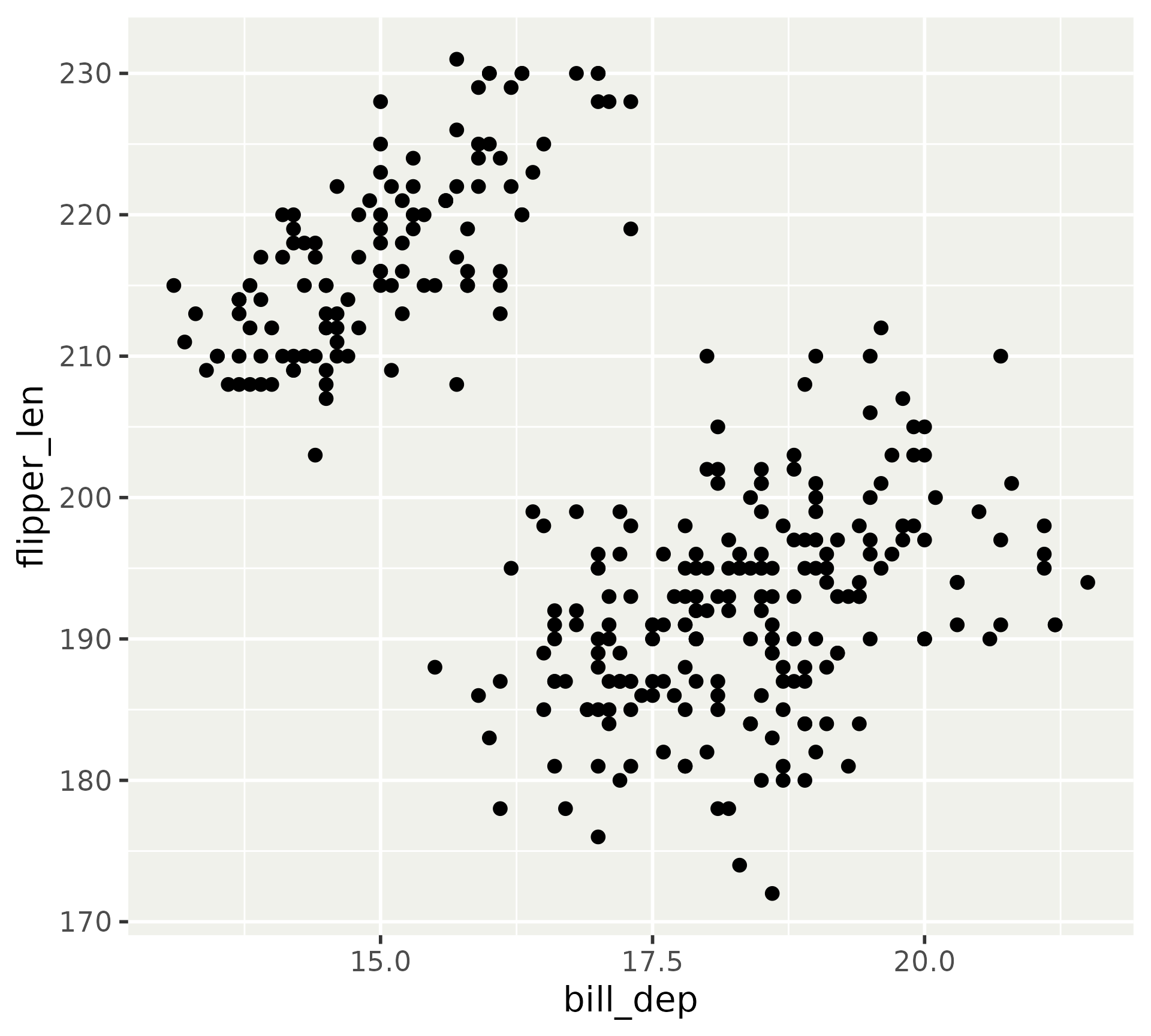
p <- ggplot(
  na.omit(penguins), 
  aes(x = bill_dep, y = flipper_len)
) + 
  geom_point()
p

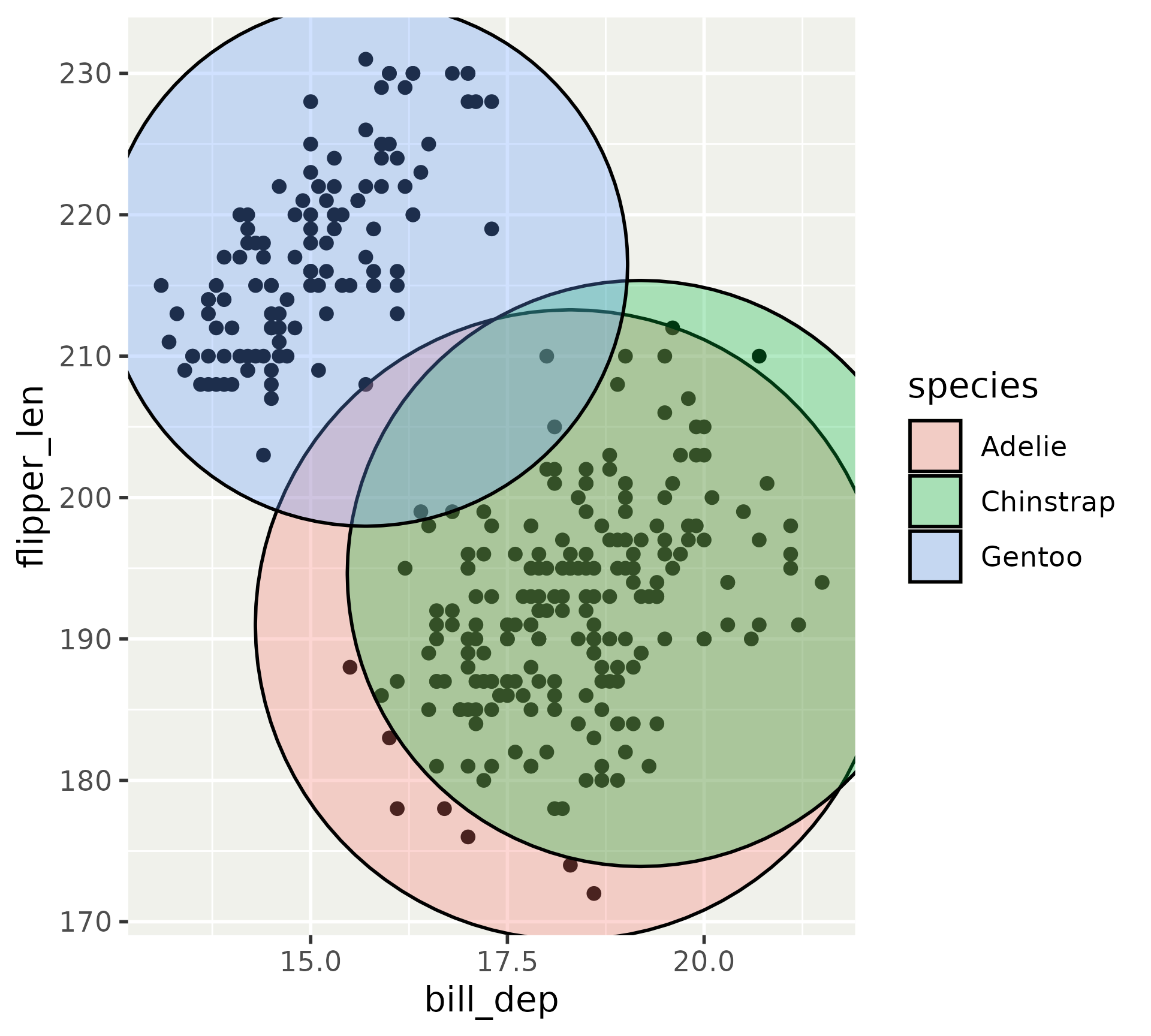
Marks

p + 
  geom_mark_circle(aes(fill = species))

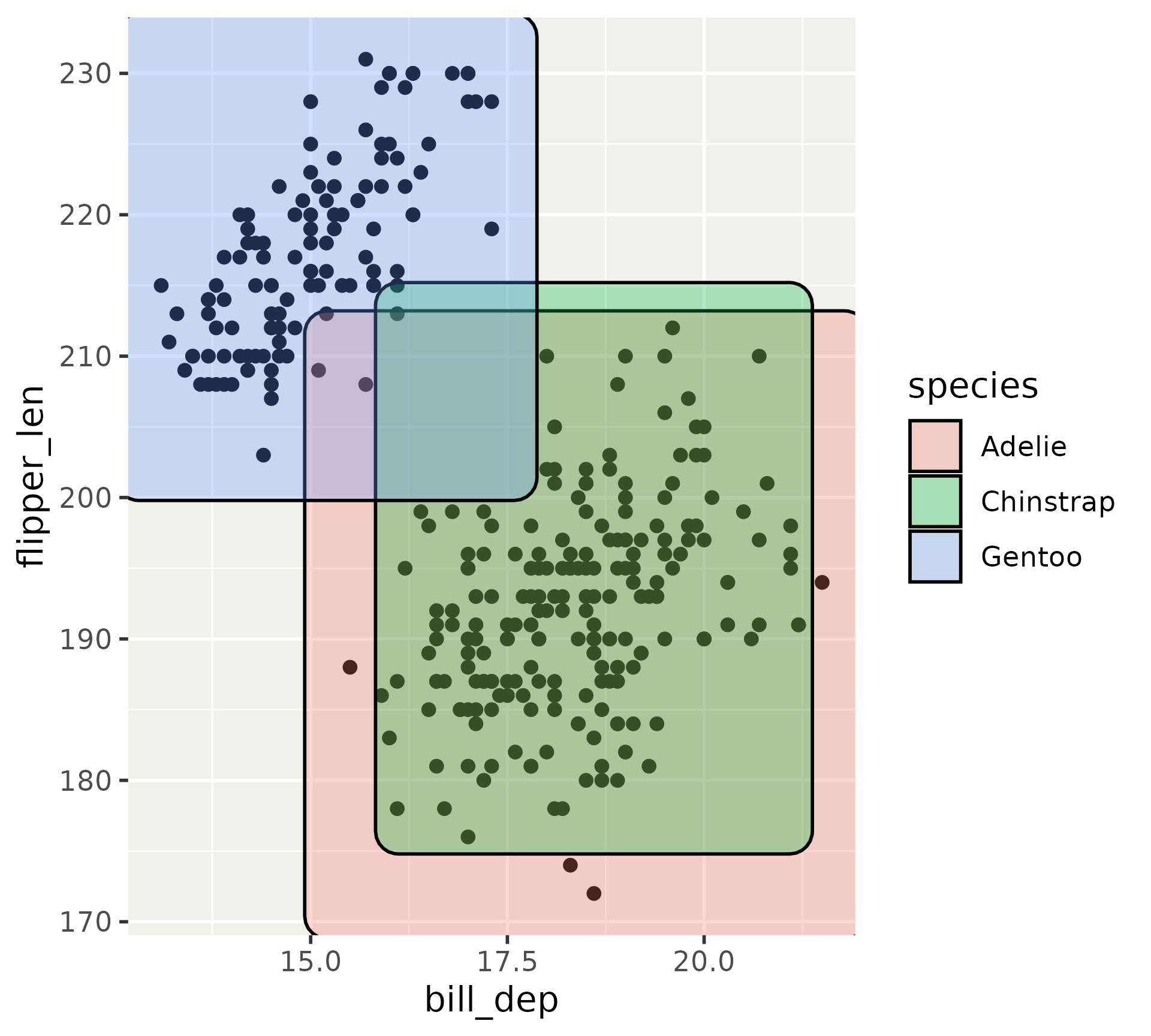
Marks

p + 
  geom_mark_rect(aes(fill = species))

Marks

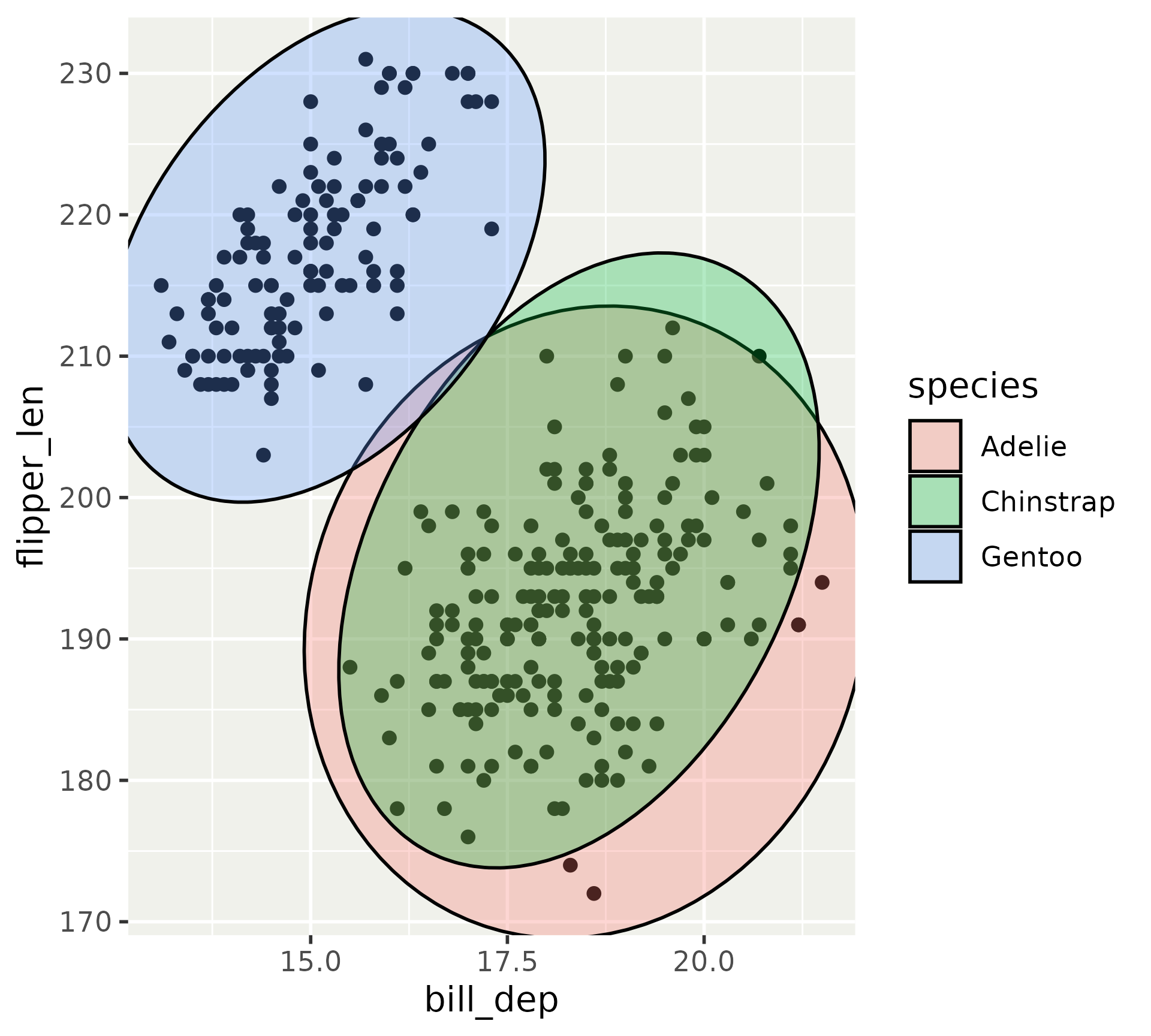
p + 
  geom_mark_ellipse(aes(fill = species))

Marks

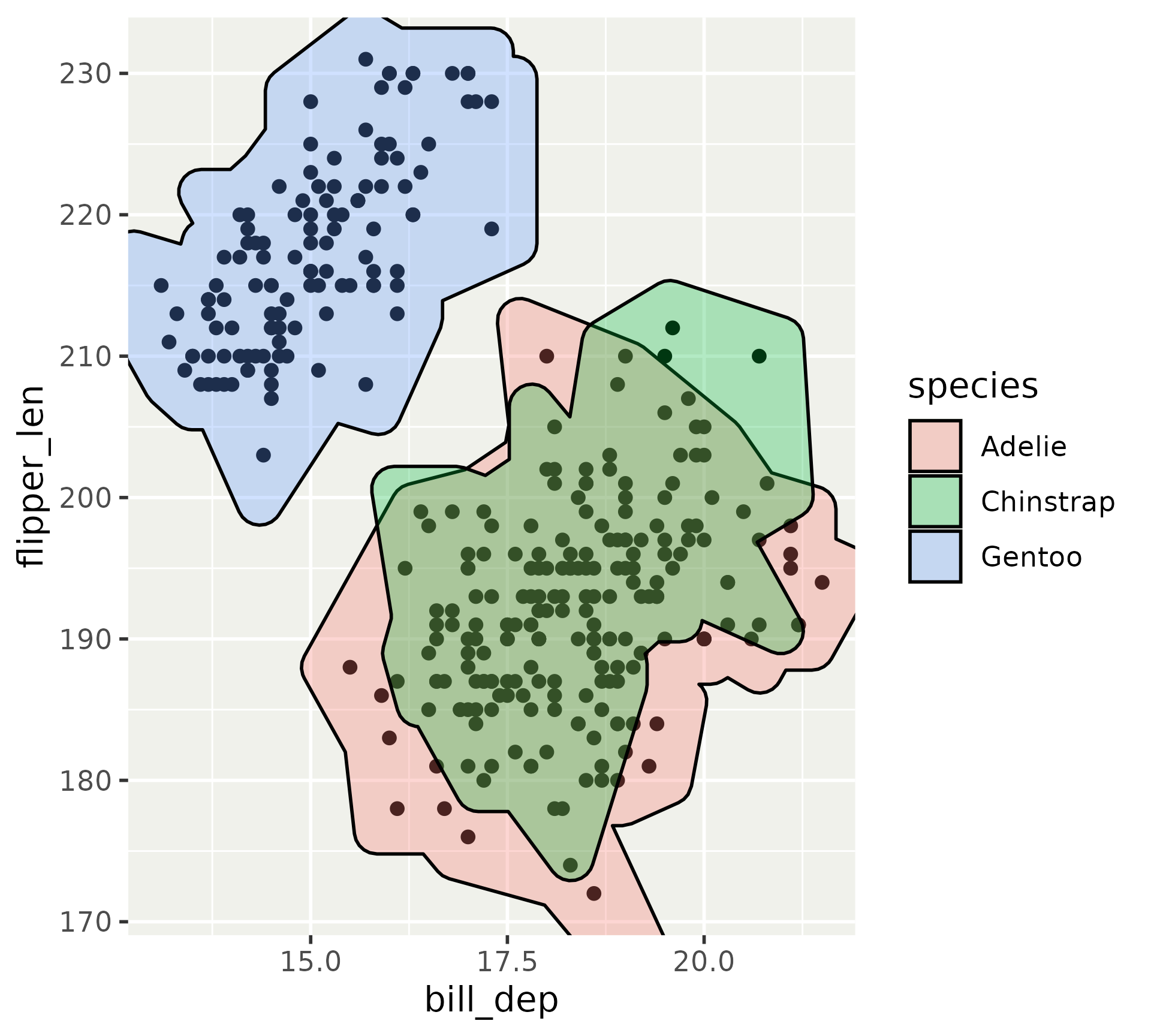
p + 
  geom_mark_hull(aes(fill = species))

Marks

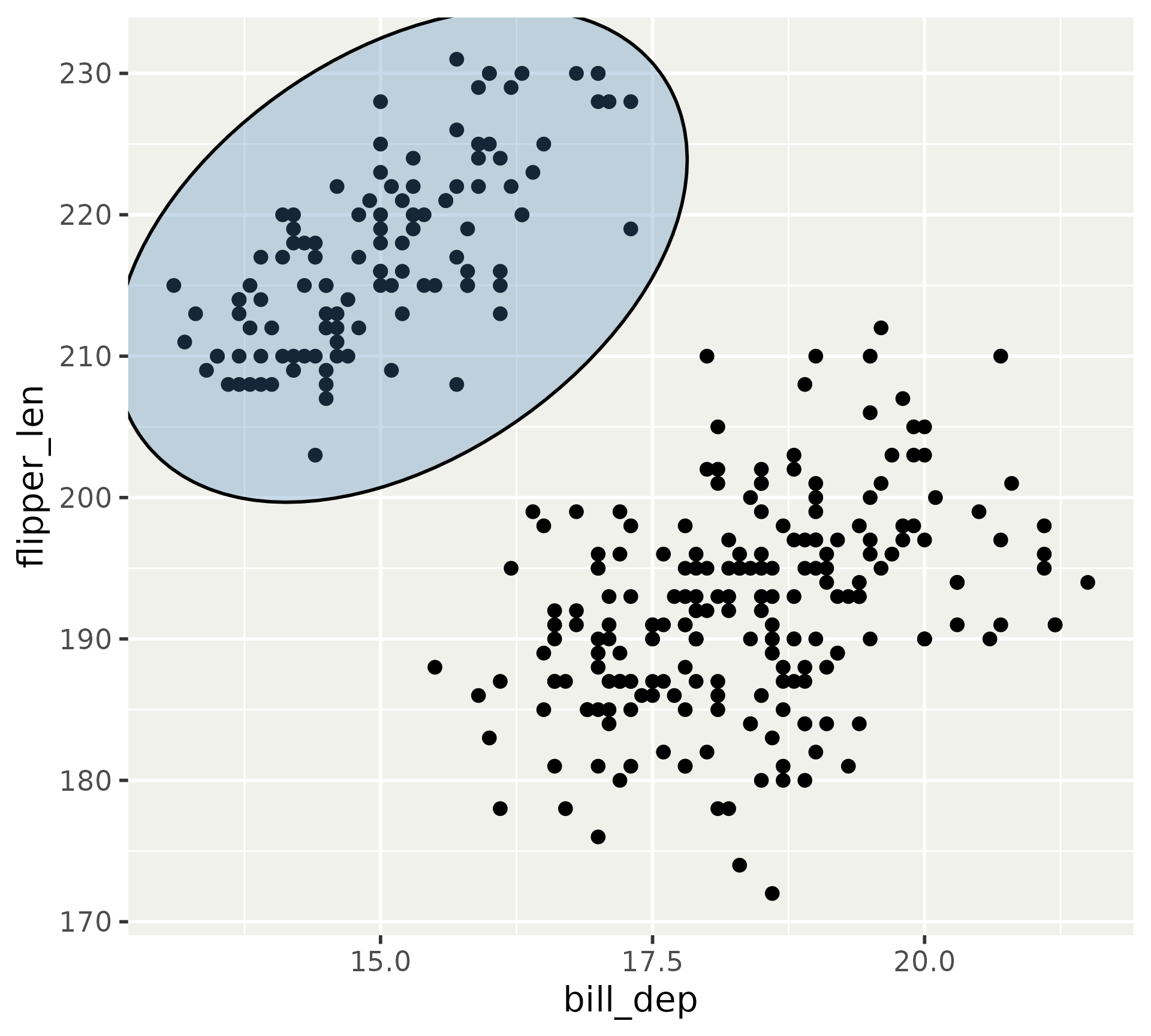
p + 
  geom_mark_ellipse(
    aes(
      filter = species == "Gentoo"
    ), 
    fill = "steelblue"
  )

Marks

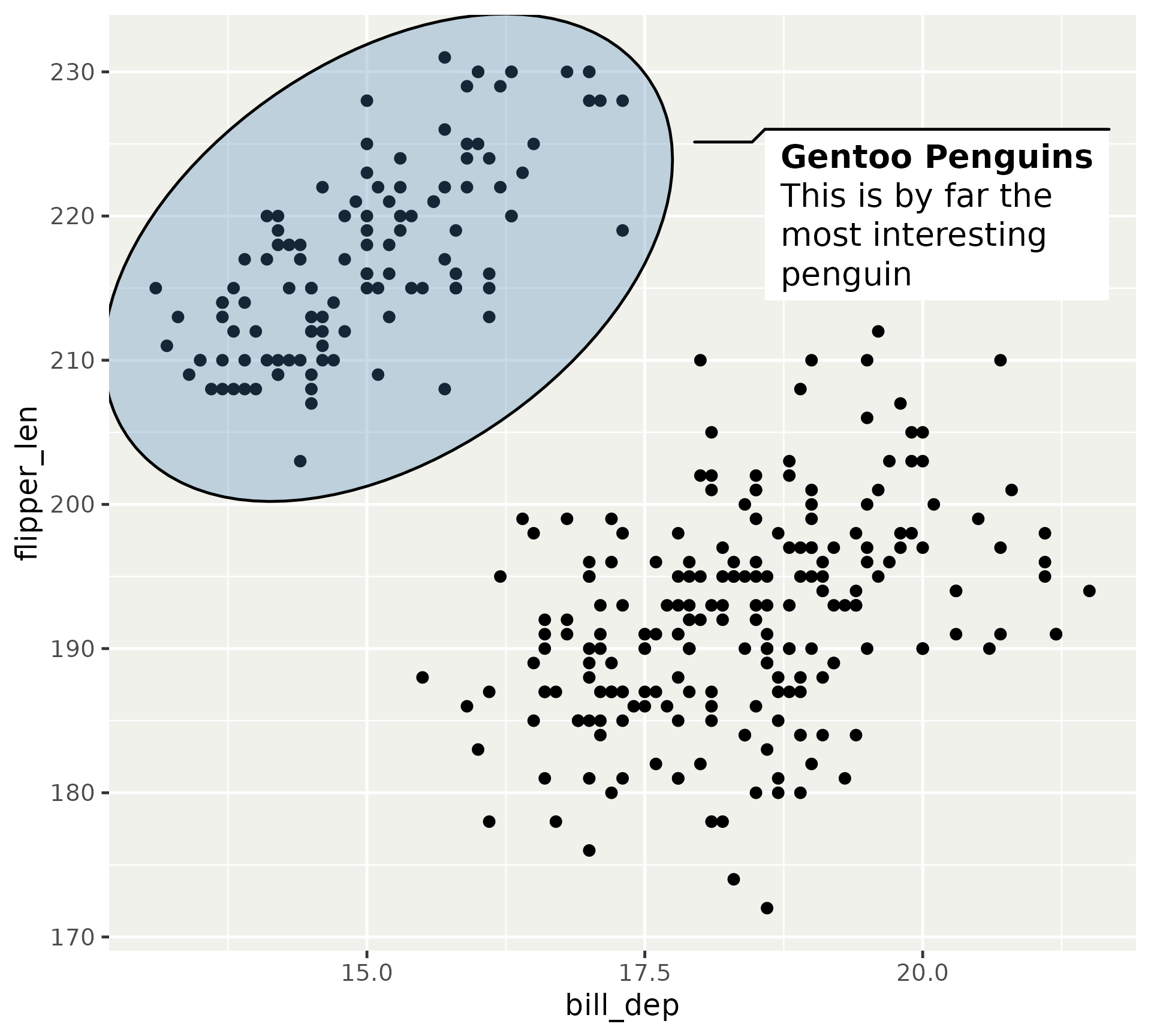
p + 
  geom_mark_ellipse(
    aes(
      filter = species == "Gentoo",
      label = "Gentoo Penguins",
      description = 
"This is by far the most interesting penguin"
    ), 
    fill = "steelblue"
  )

(geom_mark_*() is not yet marquee-aware)

Exercise 7.2

05:00

gganimate

  • An extension of the grammar to cover animation
  • Does not cover interaction
  • Is not something we can get in depth in

gganimate

ggplot(penguins) + 
  geom_point(aes(bill_dep, flipper_len)) + 
  transition_states(species) + 
  enter_grow() + 
  exit_fade()

Key concept

Transitions

Defines the temporal interpretation of the data

Views

Controls how position scales changes

Shadows

Allows the display of data from other frames

Easing

Defines the shape of the interpolation

Enter / Exit

Controls how data move in and out of the animation

gganimate

ggplot(penguins) + 
  geom_bar(
    aes(
      x = island, 
      fill = after_stat(count)
    )
  ) + 
  transition_time(year) + 
  labs(title = "{frame_time}", x = NULL)

gganimate

penguins$year_d <- as.Date(
  as.character(penguins$year), 
  format = "%Y"
)
ggplot(penguins) + 
  geom_smooth(
    aes(
      x = year_d, 
      y = body_mass, 
      color = species
    ),
    method = "lm"
  ) + 
  scale_x_date(name = NULL) + 
  transition_reveal(after_stat(x))

Exercise 7.3

05:00